Cookie consent for Concrete CMS
Cookie consent for Concrete CMS 8 and 9 — two template edits, a local-first runtime, Consent Mode v2 and pixel gating included.
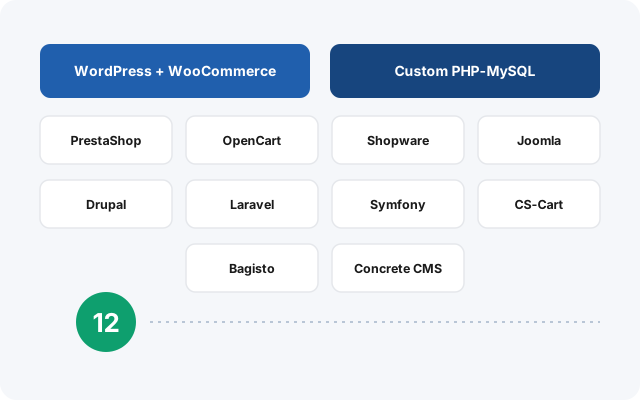
or see all twelve platforms
Why Concrete CMS sites need consent that actually blocks
Concrete CMS is used for corporate and institutional sites where in-page editing matters. It has a loyal user base and, like several platforms here, essentially no coverage from the major consent vendors.
Installing on Concrete CMS
01
Upload the folder
Copy the Cookie Craft folder to your public directory.
02
Edit your active theme
Two lines into application/themes/YOUR_THEME/elements/header.php, one into …/footer.php. Confirm the active theme under Pages & Themes → Themes.
03
Clear the cache
System & Settings → Optimization → Clear Cache. Realistic time: 5 to 15 minutes.
What’s specific to Concrete CMS
Never edit a theme inside concrete/themes/. That directory belongs to the core and is overwritten on every update, which would silently remove your consent banner during a routine upgrade — the kind of failure nobody notices until much later. Only edit under application/themes/. The guide states this prominently, because it is the mistake with the worst consequences on this platform.
Concrete also splits the layout across two files rather than one, which is why the includes are distributed between header.php and footer.php. Database configuration is checked in application/config/generated_overrides/database.php first, then application/config/database.php — the generated overrides file takes precedence and is the one a real installation uses.

Included on Concrete CMS, not upsold
No feature is held back for a higher tier. One plan, everything in it.
Google Consent Mode v2
The four signals GA4 and Google Ads need to run properly in the EEA — analytics_storage, ad_storage, ad_user_data, ad_personalization — set from your visitor’s real choice.
GTM, Meta & TikTok
Google Tag Manager, Meta Pixel and TikTok Pixel get base placement and consent-aware loading — no snippets pasted into your Concrete CMS templates, no second plugin to gate them. Your tracking plan still defines the events and conversions.
One licence, one root domain
A main site, an intranet, a campaign subdomain and a staging copy under one root domain — one licence covers all of them, including installations on other platforms.
A guide for your exact site
Your install guide is generated with your real Concrete CMS paths already filled in, in twelve languages — no example.com placeholders to translate into your own setup.
Why it matters here
Concrete CMS sites are often run by organisations rather than individuals — which means someone will eventually ask what third parties the website contacts and where consent records are stored. Both answers are good here: no third parties on the visitor’s page, and records in your own database.
What it does — and what it doesn’t
Cookie Craft does not scan your Concrete CMS site to discover cookies automatically, and it does not write your privacy policy for you. It gives you the mechanism: a banner your visitors actually interact with, real blocking of the scripts you configure, and correct Consent Mode v2 signals to Google. What you declare in it is up to you.
Consent for Concrete CMS, done properly.
Self-hosted, first-party, and everything included — €25/month or €240/year per root domain.